
RGB LED Lights Computer Desktop Switch 2M PC Motherboard External Start Power On/Off And Reset Button Extension Cable Key Switch
Black Button
67.30 SR
Sale price
67.30 SR
Regular price
134.60 SR
Skip to product information





RGB LED Lights Computer Desktop Switch 2M PC Motherboard External Start Power On/Off And Reset Button Extension Cable Key Switch
67.30 SR
Sale price
67.30 SR
Regular price
134.60 SR
SPECIFICATIONS
Application: Desktop
Battery Included: No
Brand Name: GGBEE
Certification: CE,RoHS
Choice: yes
Desktop Computer Power Button: Power Extension Cords
External Power Switch: Power Supply Button Restart Button
High-concerned chemical: None
Interface Type: USB,USB
Keyboard Standard: Mini Keyboard
Language: English
Mechanical Key External Power On Off: Motherboard Switch On Off
Operation Style: Mechanical
Origin: Mainland China
Power SW Cables: PC Power Switch Button
Style: Mini
Type: Wired,External PC Power Switch
NOTE!!
There are two versions of this key switch, one is RGB button ,the other is No RGB button ,please kindly choose when you make a purchase
Specifications
• Product Name:Desktop external extension power switch
• Terminal pitch:2.54mm(confirming the socket of the rmotherboard)
·Shell Material:ABS
POWER SW
·Net Weight:90g(2m length)
· Product Size:Switch 20x20x28mm
·Cable length: 2M
• Color:Black
· Support :Desktop computer
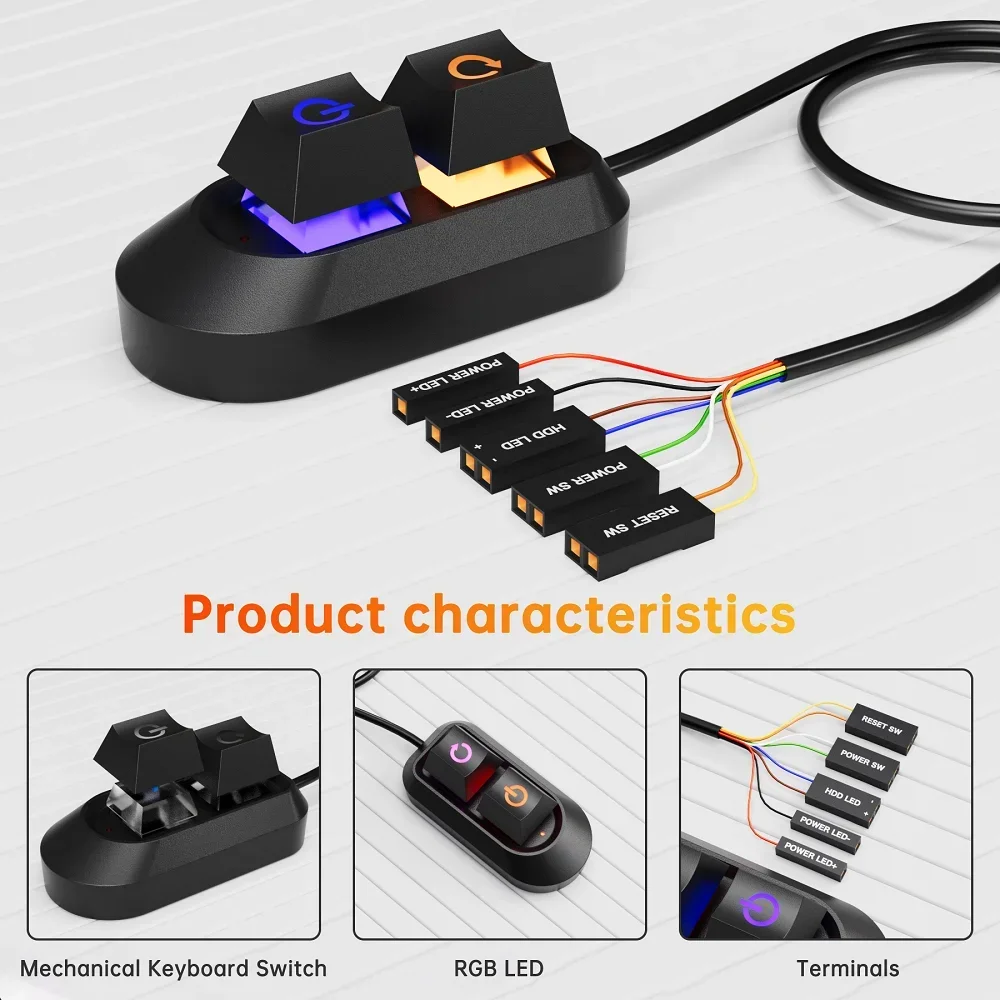
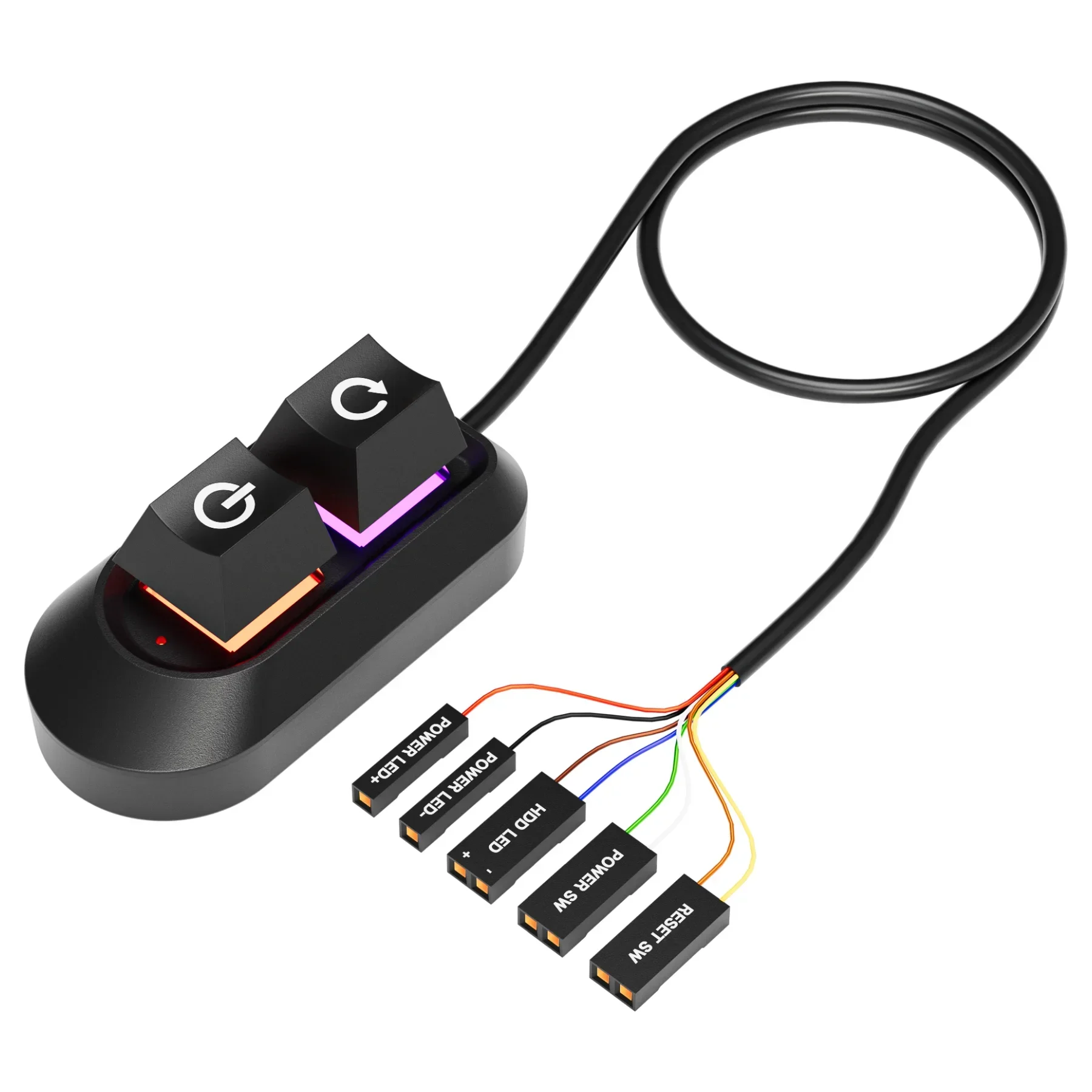
• Features:Power SW+Reset SW+Power LED+HDD LED
Features
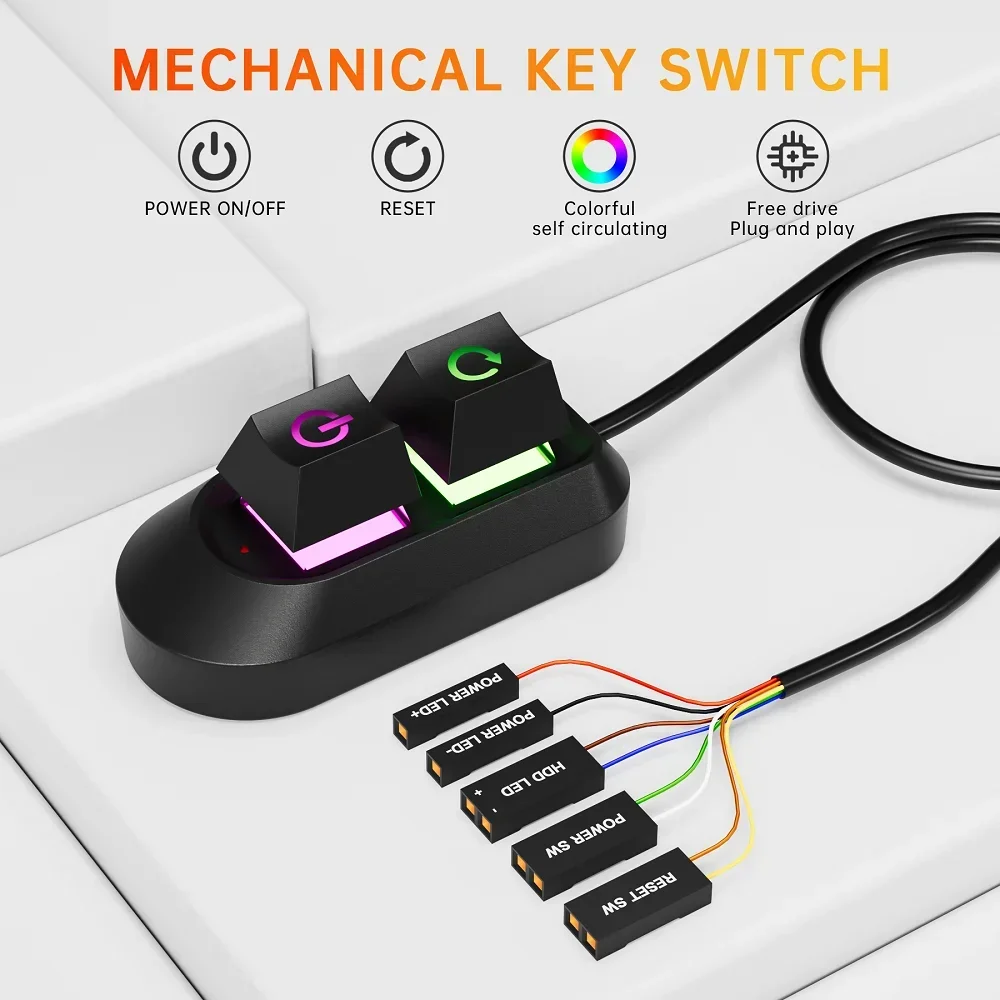
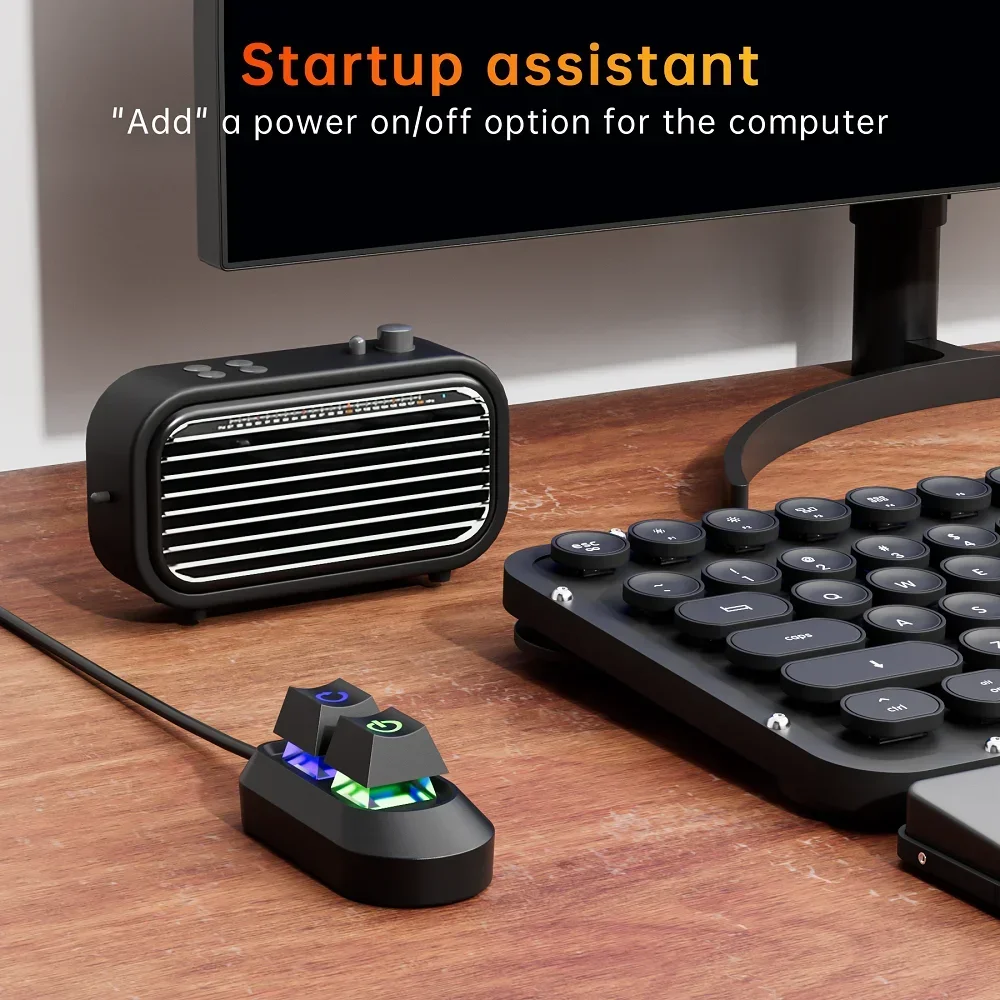
★ External Desktop PC Power & Reset Switch: controlling your computer from the comfort place in the room using the power button and reset button with long cable. Even your computer in a hard to reach place, this power button can make PC tower power switch ON/OFF much easier.
★ Mechanical shaft key switch and colorful gradient light : The mechanical axis key as same as the ON/OFF button, same as pressing the mechanical axis keyboard ; coupled with colorful gradient lighting effect, gives you a different power controll experience,along with the reset button ,when you don't need to power off and power on the computer, this reset button can help you
★ Easy to install: the package comes with installation instructions. Just install the HDD LED and RESET SW terminals in another
row in sequence, and then check the POWER LED+and HDD LED+
according to the diagram, ensure that the positive electrodes are installed
correctly
★ Small and Portable: this power switch on PC is size 2.1cm X 2.1cm / 2.5cm thickness, with weight only 1 ounces.
Installations:
1. Turn off your computer and disassable the side panel of your computer case
2. Find the correct hole position from the rear part of thechassis, and lead the
cable into the chassis.
3. Find the jumper position of power on and power LED terminais on the
mainboard,replace the jumpers in turn and install them in pl.ace. Using the
same method, install the HDD LED and RESET SW terminals in another
row in sequence, and then check the POWER LED+andHDD LED+
according to the diagram, ensure that the positive electrodesare installed
correctly
4.If you want to retain these functions on the front panel,you need to use
the one split two adapter for switching.
5.Inspect the installation position are correct, restart your computer and
ensure all funtions works as normal .Use the tie to sort out the harness,
and put the switch into the right position.
يعمل بسلاسة مع: