
Tuya WiFi Vibration Sensor Wireless Glass Break Detector Smart Home Security Alarm Real-Time Alert Smart Life APP Remote Control
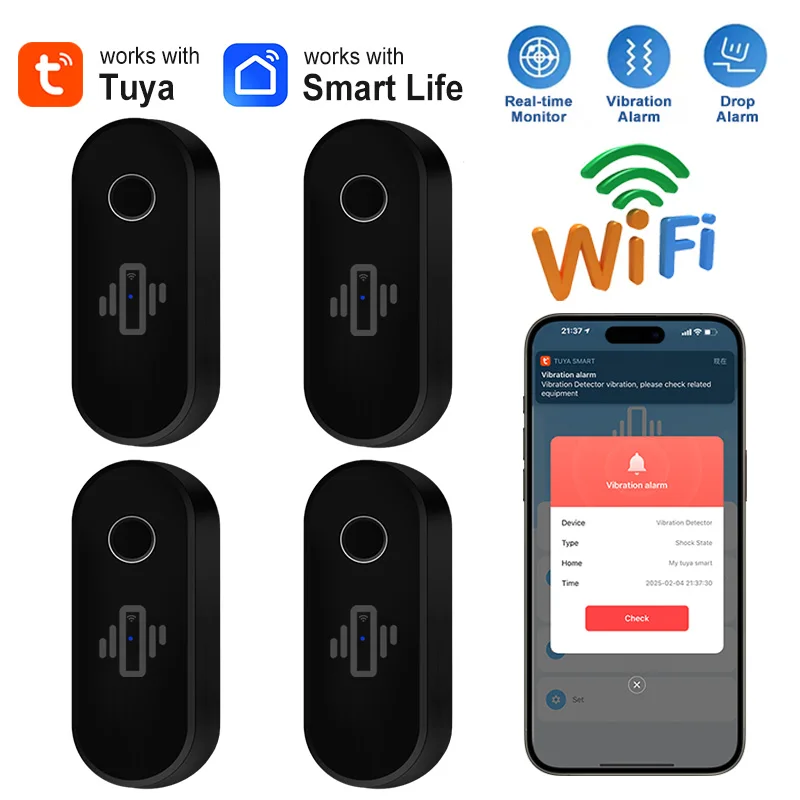
4 pcs
191.78 SR
Sale price
191.78 SR
Regular price
383.56 SR
Skip to product information



Tuya WiFi Vibration Sensor Wireless Glass Break Detector Smart Home Security Alarm Real-Time Alert Smart Life APP Remote Control
191.78 SR
Sale price
191.78 SR
Regular price
383.56 SR
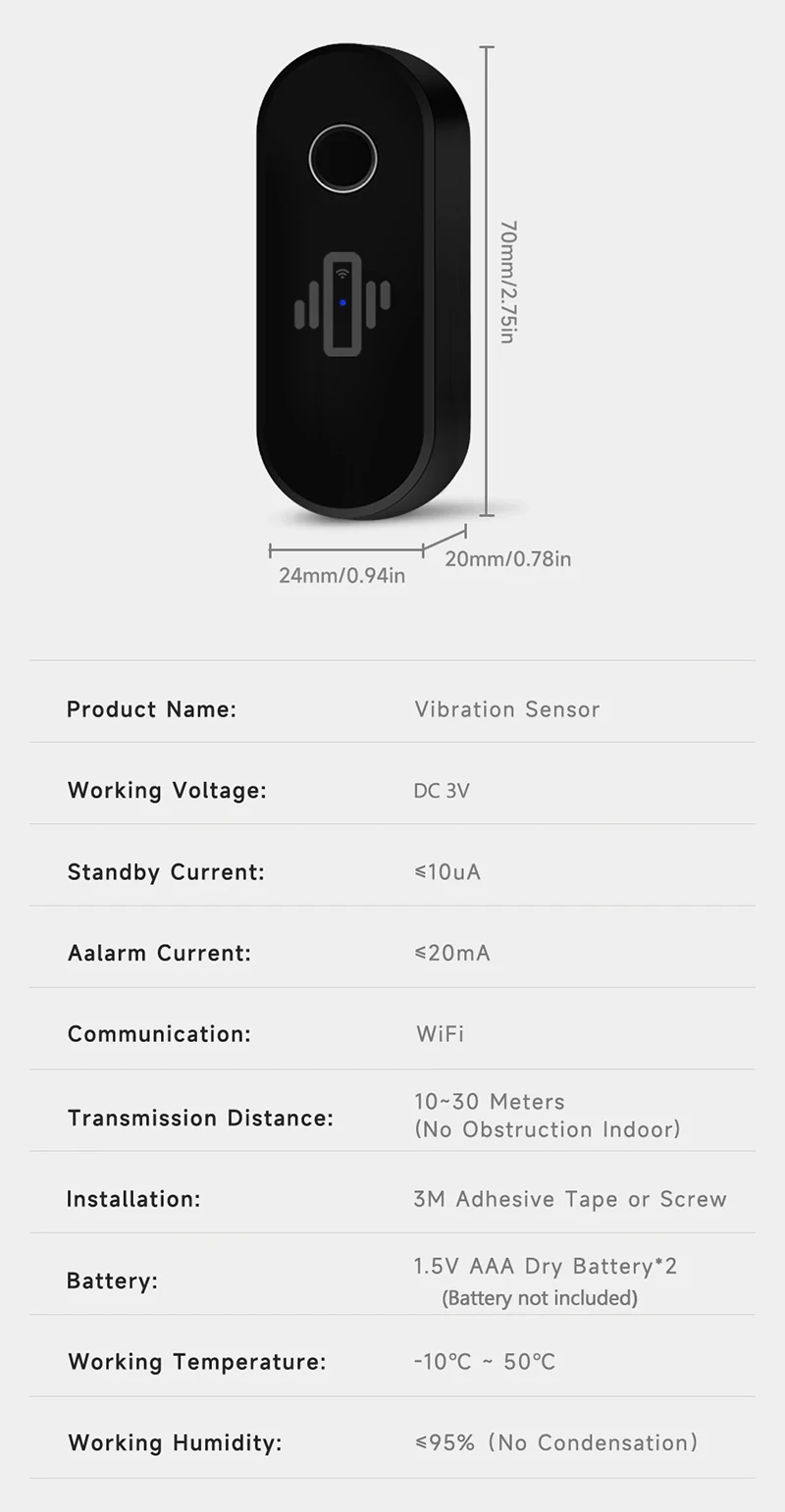
SPECIFICATIONS
Alarm current: ≤125mA
Battery: DC3V LR03 (not included)
Brand Name: NONE
Certification: CE,FCC,RoHS
Choice: yes
Color: Black
Communication: 2.4G WiFi
High-concerned chemical: None
Low Battery Alert: <2.4V
Model Number: ER-WZD
Origin: Mainland China
Smart home platform: Tuya
Standby current: ≤30uA
Transmission distance: 10-30 meters(no obstruction indoor)
Vibration Levels: High, medium, low
Working humidity: ≤95%
Working temperature: -10℃ - 55℃
Working voltage: DC 3V
Product Include
4 pcs (AAA battery not include)
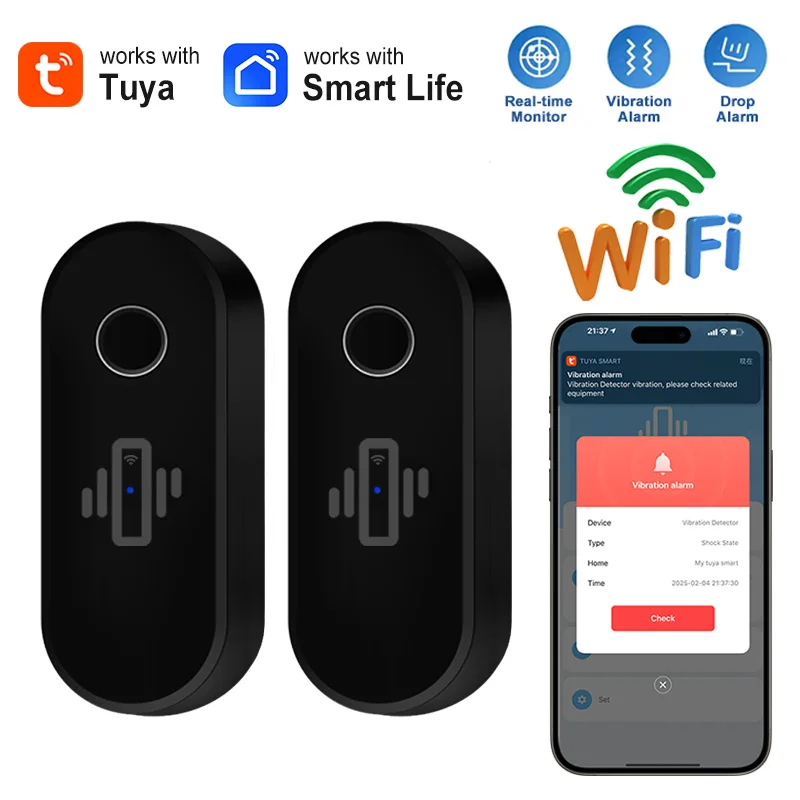
2 pcs (AAA battery not include)
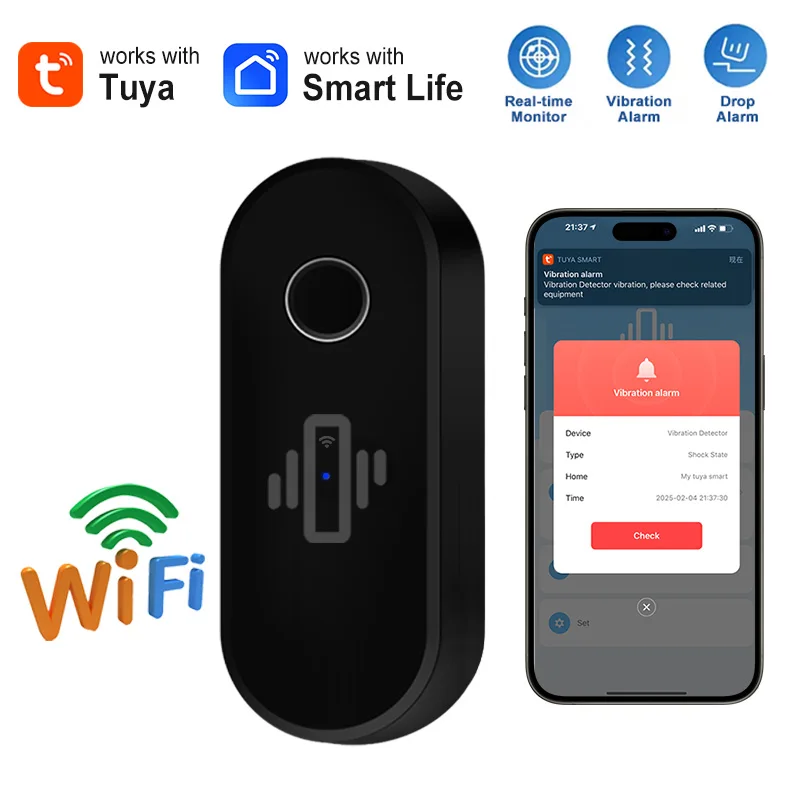
1 pcs (AAA battery not include)
WiFi Vibration Sensor
Tuya WiFi Vibration Sensor Wireless Glass Break Detector Smart Home Security Alarm Real-Time Alert Smart Life APP Remote Control
APP: Tuya Smart / Smart Life
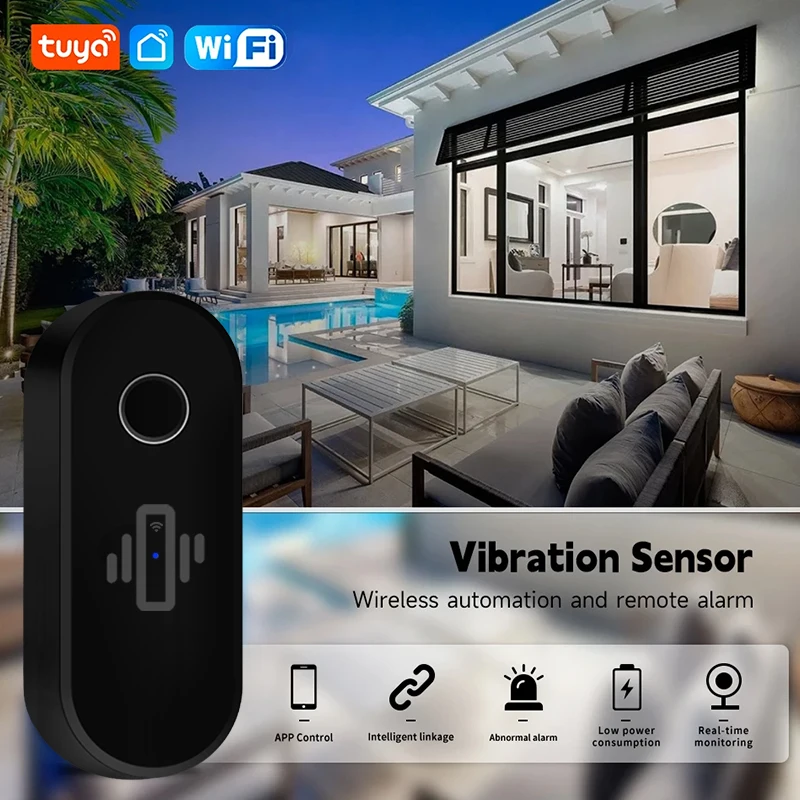
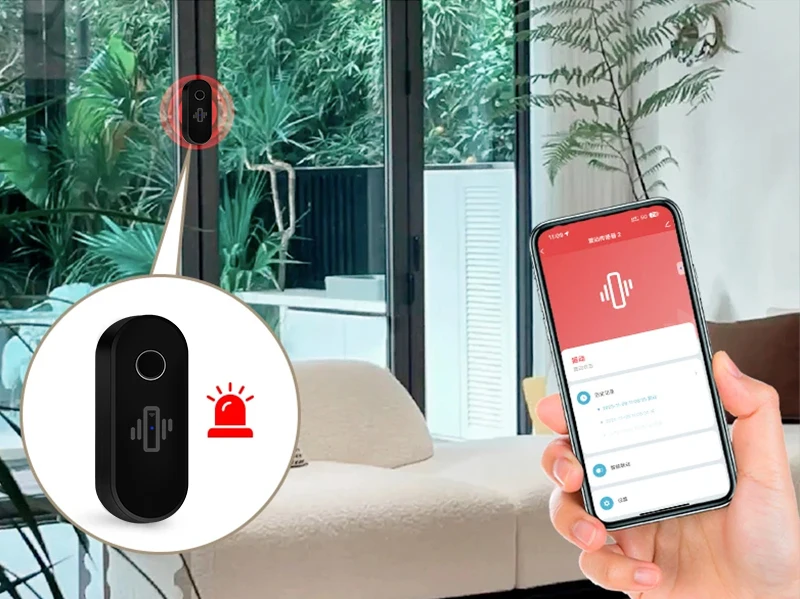
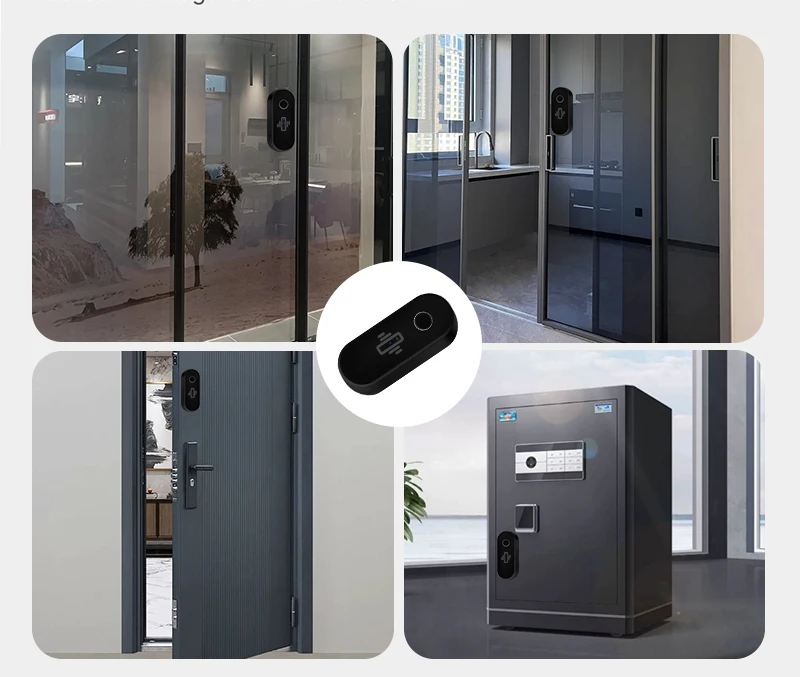
Common installation locations: Glass windows, glass doors, wooden doors, safes, and any other places where vibration detection is required.
APP Remote Alert
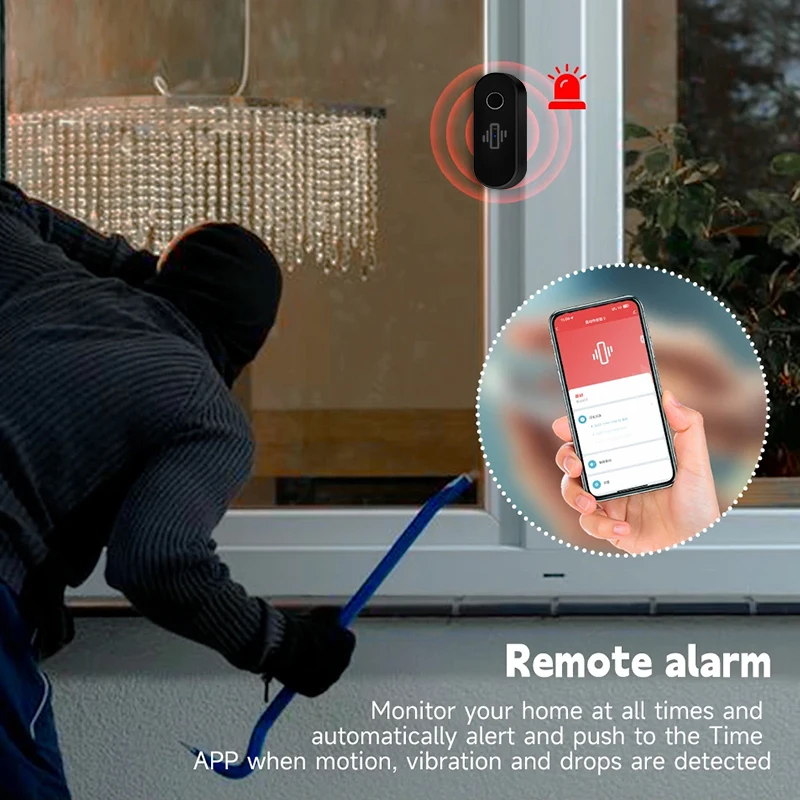
After install this vibration detector, you can monitor your house anytime and anywhere, it will automatically alert and push to the Tuya APP when motion, vibration and drops are detected.
Intelligent linkage
For example: You can set up automation, after detecting motion, vibration, drop, open curtains and turn on the light bulb automatically.
Low battery alarm
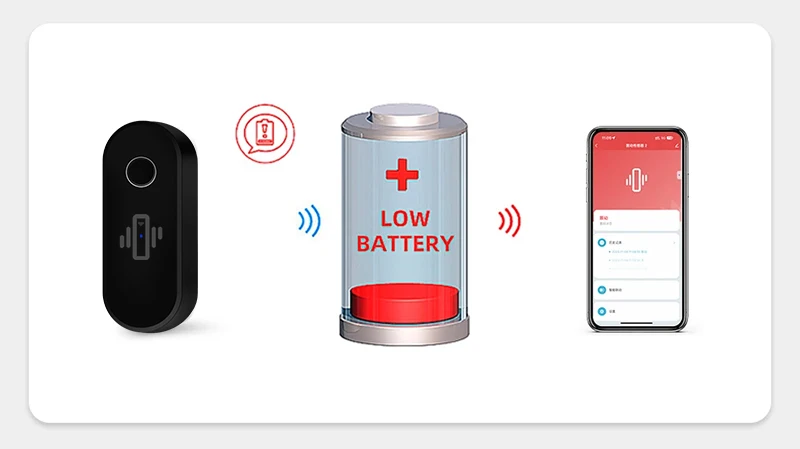
Low power consumption, real-time energy saving and long standby time. Low battery reminder function will remind you replace battery in time.
Easy installation.
lt can be placed anywhere according to your needs to protect your home. For example: glass door, glass wall, wooden doors and safes, etc.
Wide application scenarios.
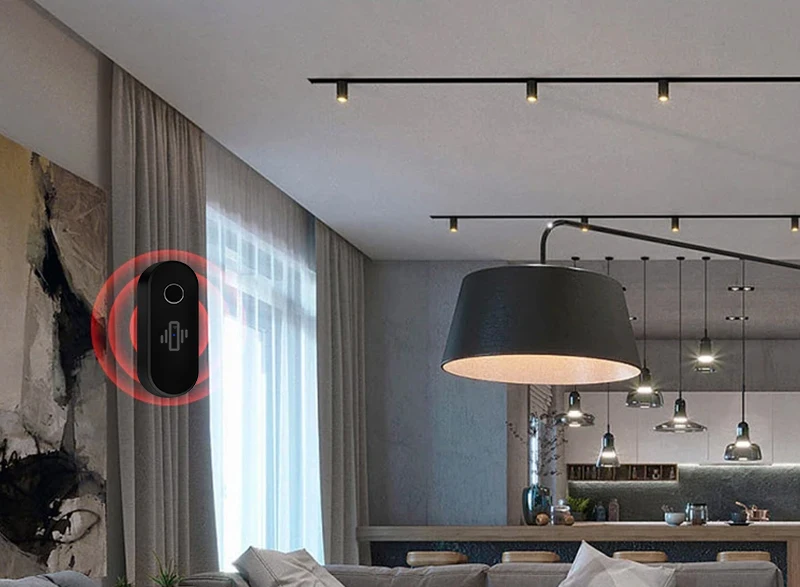
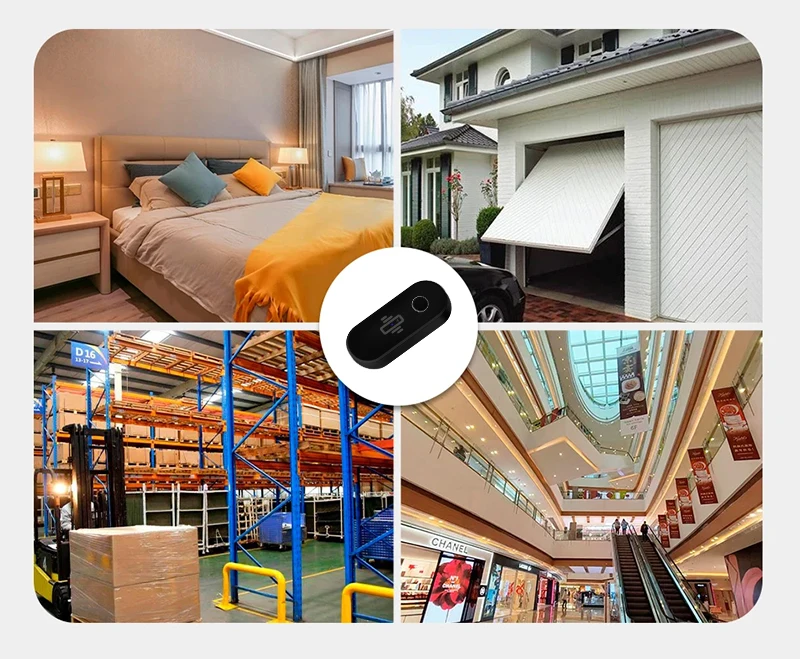
You can install it in any place like bedroom / garage door / warehouse / shopping mall / apartment / safe etc.
Product parameter
1 Set Detector Kits Include
1 * WiFi Vibration Sensor (battery not include)
1 * Double-sided tape
1 * Manual Book
FAQ:
Q1: Does it support 5G WiFi?
A1: Only support 2.4G WiFi, not support 5G WiFi.
Q2: My wifi router is 2.4G version, why does it fail to connect to the router?
A2: Maybe the router device list is blocked, please try restarting the router.
Q3: Why does my device can not connect to wifi?
A3: When you test to connect your device to a WiFi router, please make sure the batteries are new. Old batteries with insufficient voltage will cause network failure.
Q4: Why no vibration was detected when you knock on the detector?
Q4: Please adjust the detection sensitivity in the APP. After detecting a vibration, you need to wait for a while before detecting the second vibration.
يعمل بسلاسة مع: