
Smart RGBW LED Light Strip Wall Mounted Touch Panel Glass Bluetooth App Controller Dimmer Switch for 12V sync music
White RGBW control / China Mainland
159.93 SR
Sale price
159.93 SR
Regular price
319.86 SR
Skip to product information


Smart RGBW LED Light Strip Wall Mounted Touch Panel Glass Bluetooth App Controller Dimmer Switch for 12V sync music
159.93 SR
Sale price
159.93 SR
Regular price
319.86 SR
SPECIFICATIONS
Applicable Lights: LED
Brand Name: GIDERWEL
Certification: ce
Choice: yes
Connection Mode: Bluetooth
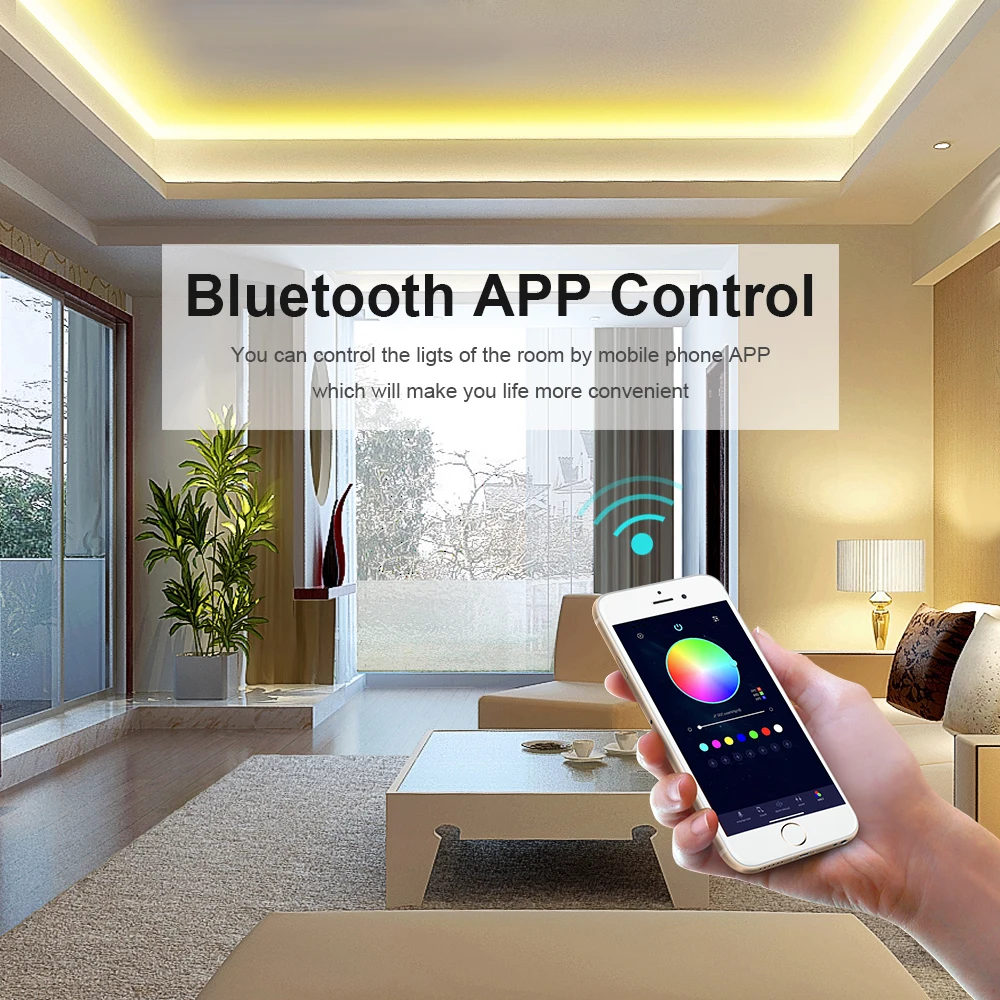
Controled Method: Bluetooth APP
High-concerned chemical: None
Is Smart Device: Yes
Item Type: RGB controler
Max. Load Power: 192W/384W
Origin: Mainland China
Power Source: DC
Remote Distance: no
Voltage: 12 V
Warranty: 1
Wattage: 12V/24V
semi_Choice: yes
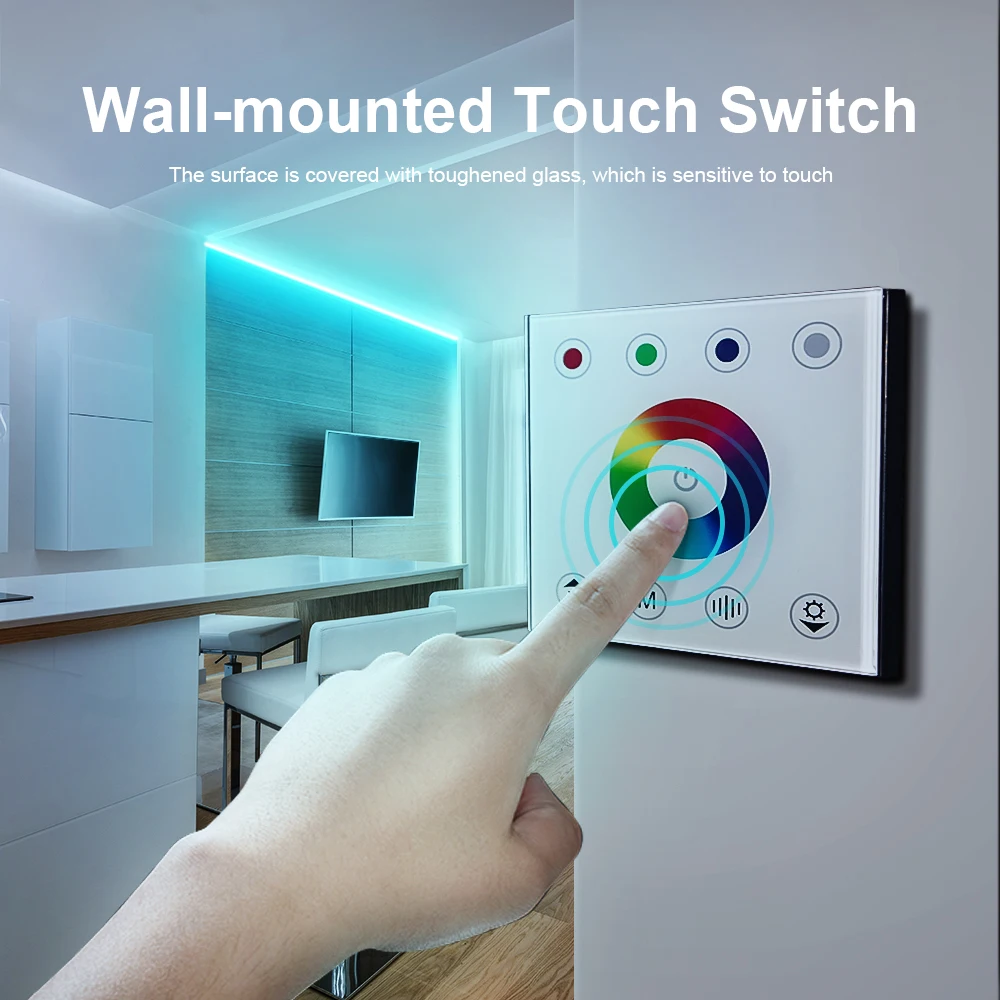
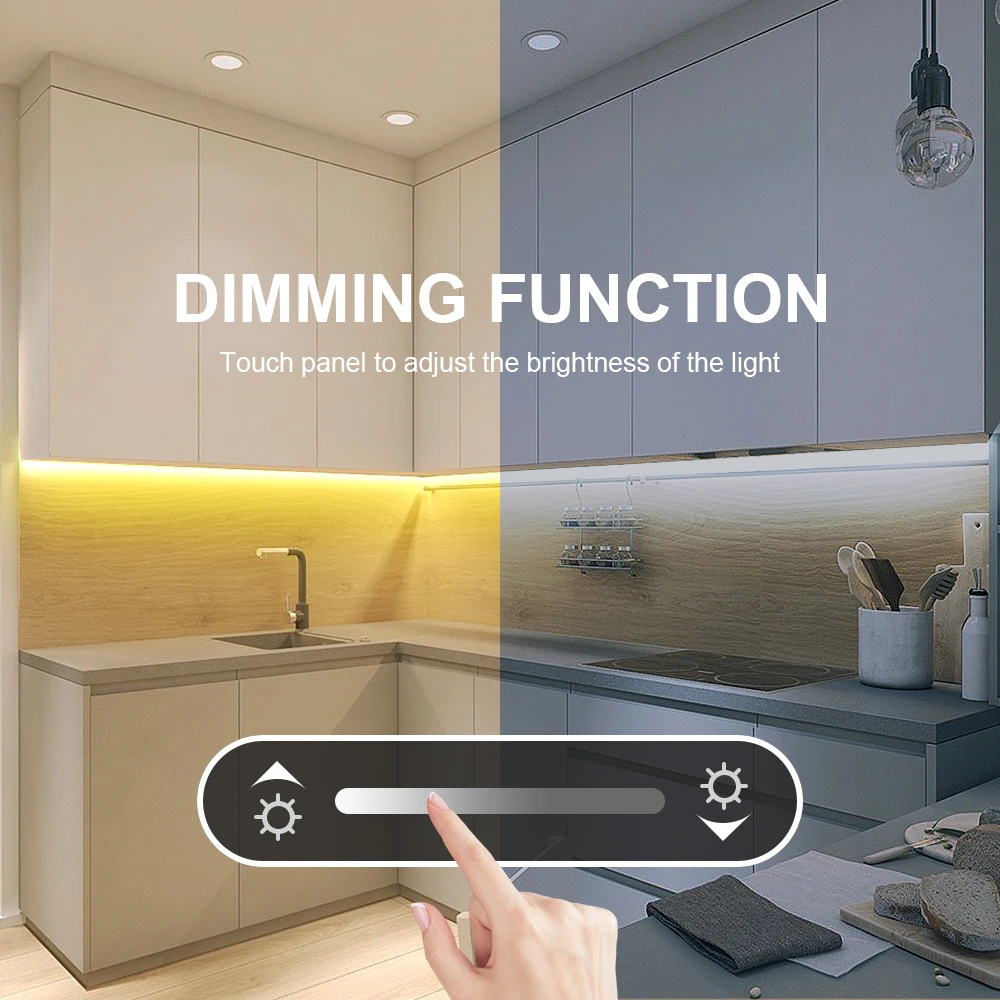
Bluetooth RGB/RGBW Wall Mounted Touch Glass Panel Controller Dimmer Switch Controller for DC12V-24V LED Strip Light Sync Music
Specification:
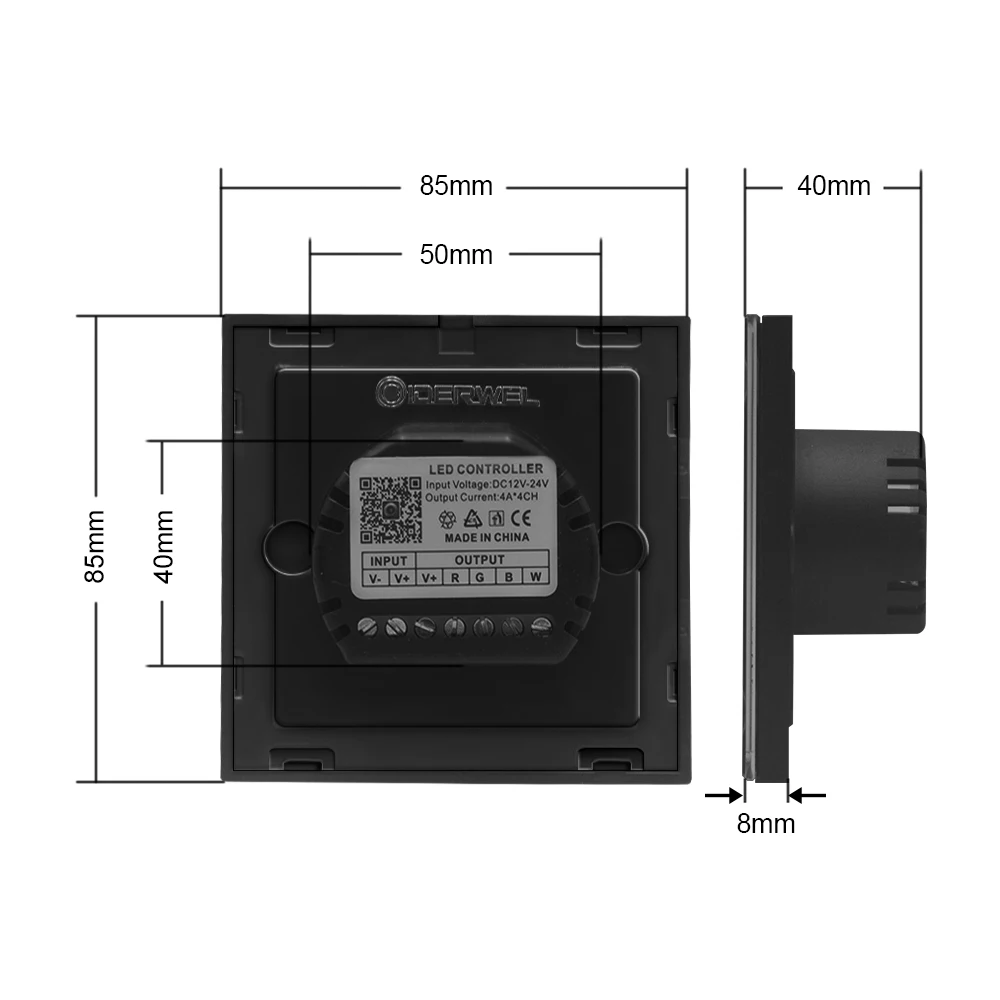
Four outputs, each 4A, total load up to 16A
Input voltage: DC12V-24V
Maximum output power: 192W (12V), 384W (24V)
Connection method: Bluetooth
Static power consumption: <1W
Product size (mm): 86*86*35
Packing size (mm): 109*95*60
Net weight: 120g
Gross weight: 189g
Notice
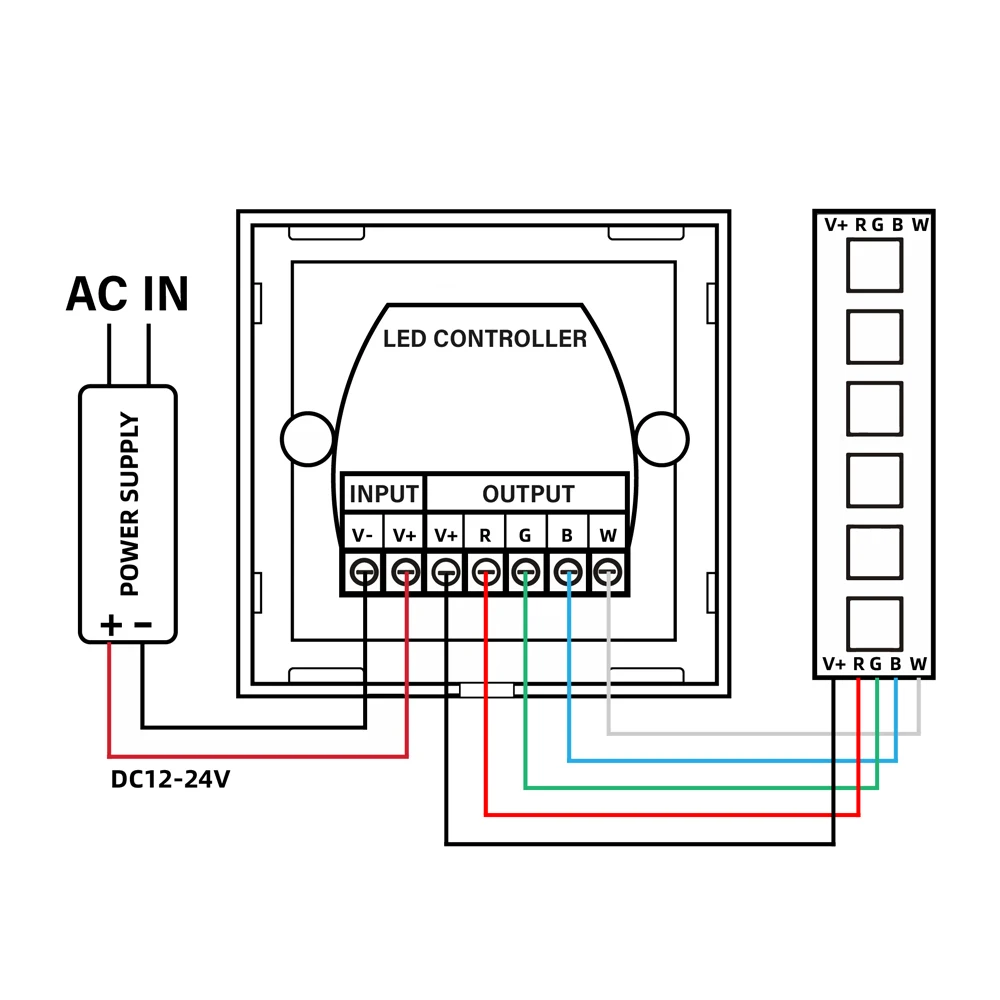
- The working voltage is DC12~24V, and power supply with suitable load is required. (Do not directly connect to the indoor power supply)
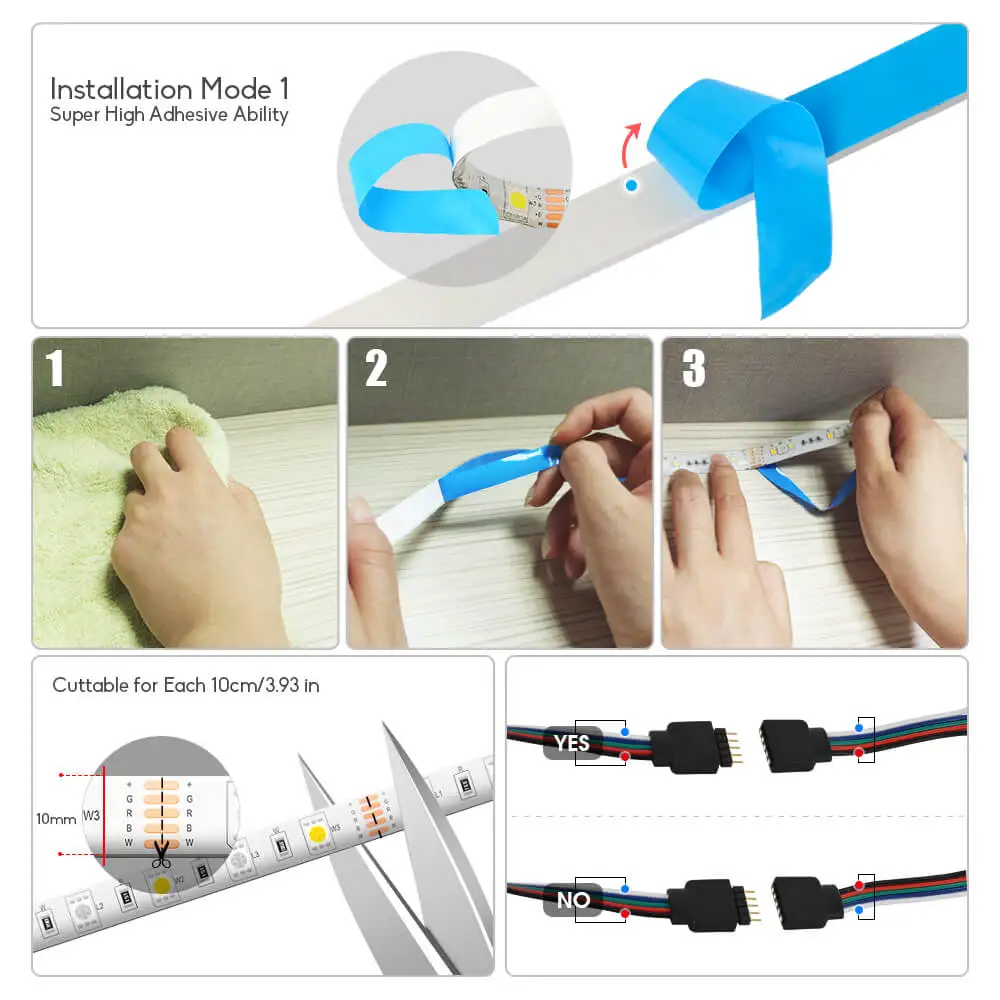
- Connect the load line first, then the power line, and make sure that there is no short circuit between the input and output cables before turning on the power.
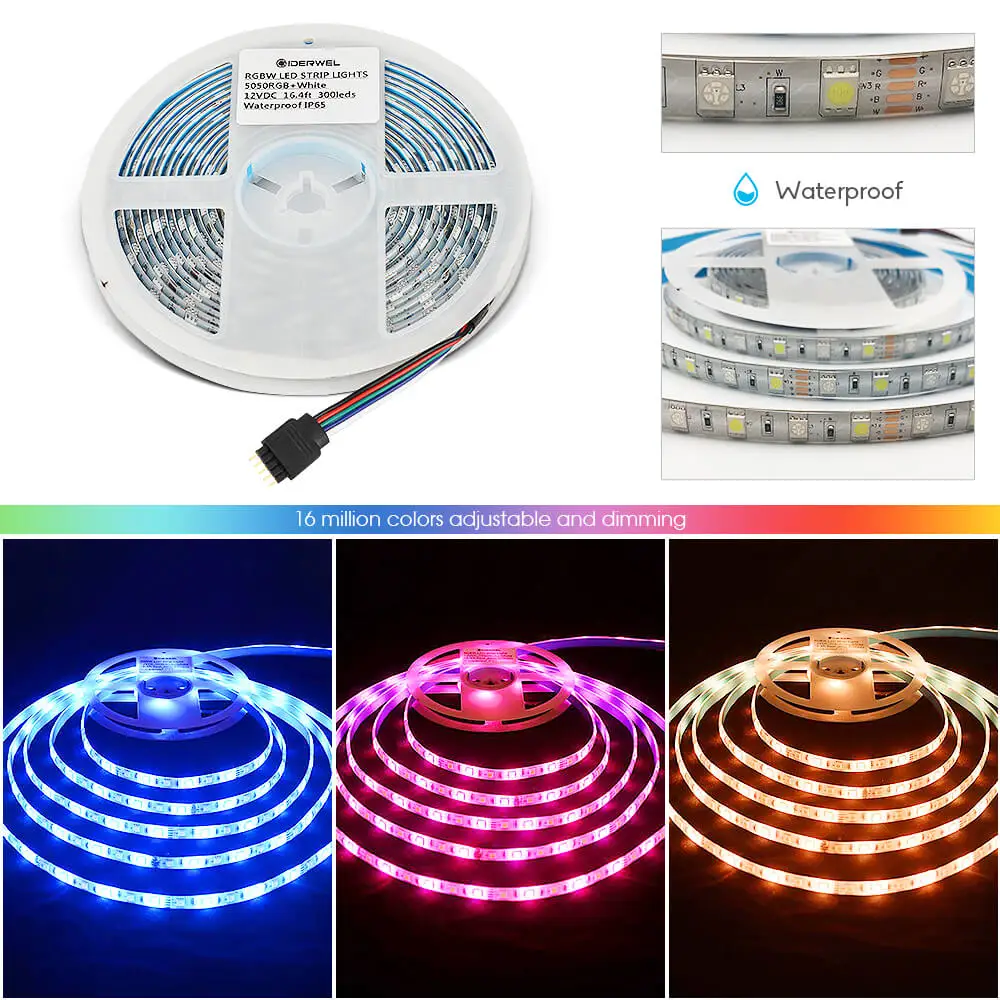
- The RGBW controller work with RGB RGBW strip lights.
Packing list
LED Panel Controller *1
Manual *1
APP introduction:
1. Support Android 4.4 or above, IOS 10.0 or above, Bluetooth 4.0 or above
2. Download and install MOLED from Apple APP Store, Google Play or scan the QR code.
3. Turn on the Bluetooth of the mobile phone first, and then open the MOLED APP, the MOLED APP will find the new device, click OK to complete the connection. Do not manually connect the controller from the Bluetooth settings, otherwise the APP cannot be used.
4. Custom color: click to add custom color, long press to cancel custom color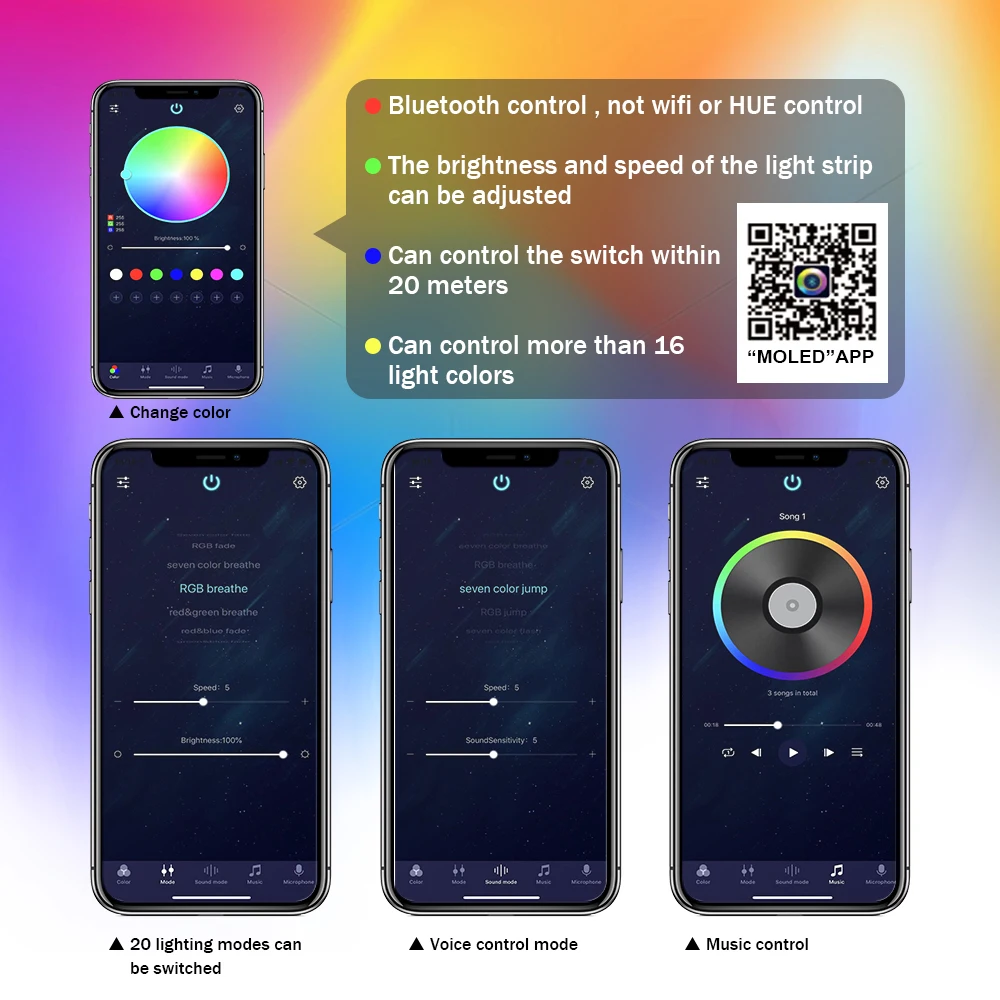
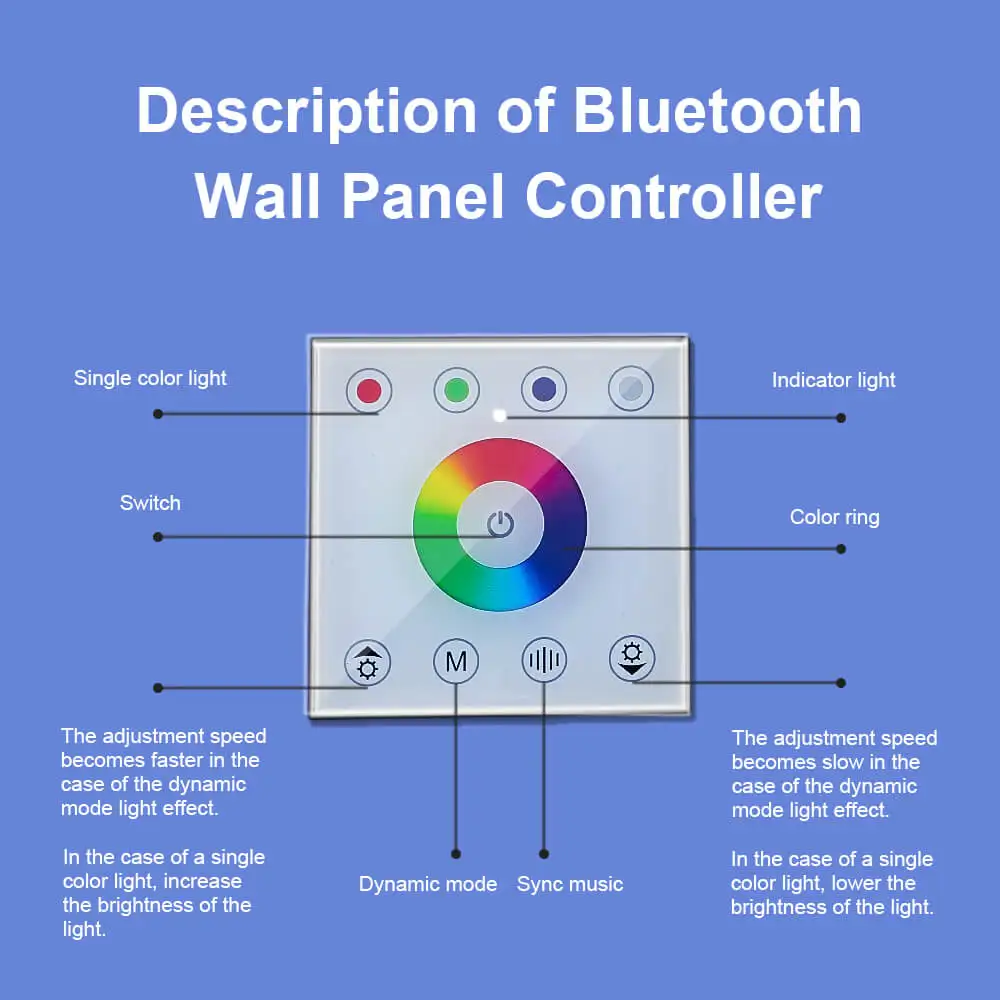
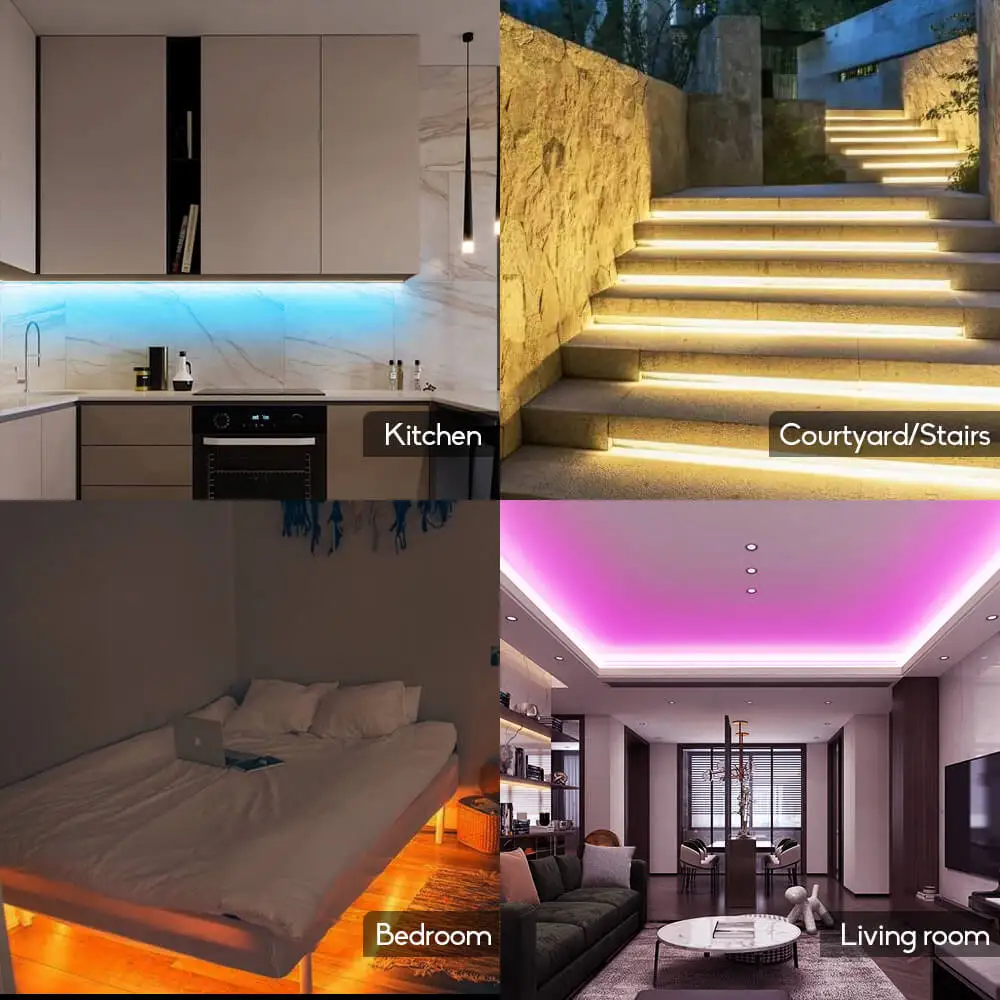
Dynamic Mode List:
No |
MODE |
No |
MODE |
|
01 |
Sevencolor fade |
11 |
RGB flash |
|
02 |
RGB fade |
12 |
Red flash |
|
03 |
Sevencolor breathe |
13 |
Green flash |
|
04 |
RGB breathe |
14 |
Blue flash |
|
05 |
Red& green breathe |
15 |
Yellow flash |
|
06 |
Red& blue fade |
16 |
Purple flash |
|
07 |
Green& blue fade |
17 |
Cyan flash |
|
08 |
Seven color jump |
18 |
White flash |
|
09 |
RGB jump |
19 |
Yellow& purple flash |
|
10 |
Seven color flash |
20 |
Purple& cyan flash |
يعمل بسلاسة مع: